Workplace hygiene screens provide a practical way to create physical separation between people in offices, reception areas, retail environments, service...
Read More


 FREE UK carriage on orders over £250 nett
  No minimum order value
  Trade discounts
  Order FREE samples online
  Last cut off for overnight: 3pm

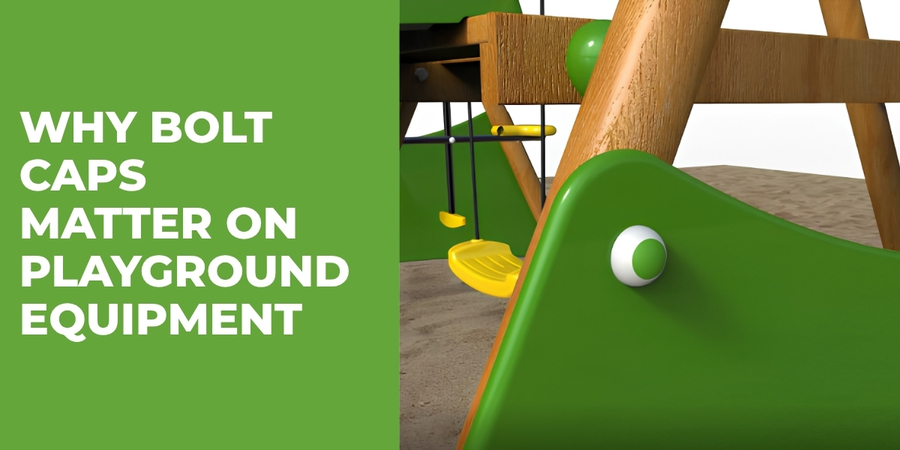
Why Bolt Caps Matter on Playground Equipment
By Bridey
/ 27 August 2026
When manufacturers and installers build playground equipment, they need to consider every component, right down to the smallest fixing. Bolts,...
Read More
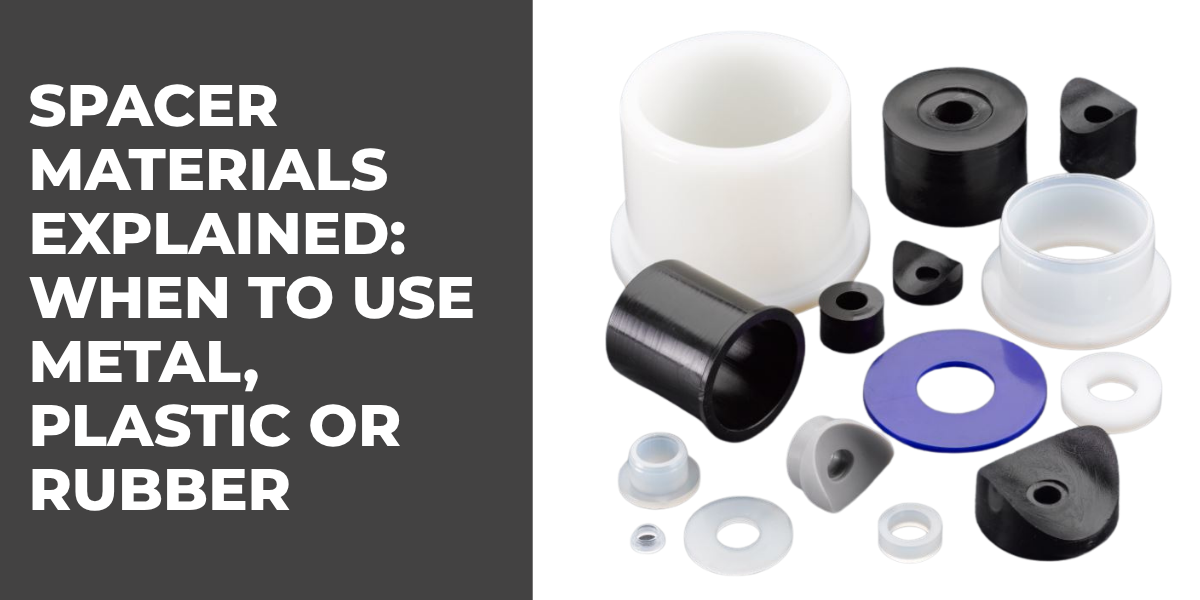
Spacer Materials Explained: When to Use Metal, Plastic or Rubber Spacers
By Bridey
/ 20 August 2026
Spacers may look like simple components, but the material you choose can greatly affect how an assembly performs. A spacer...
Read More
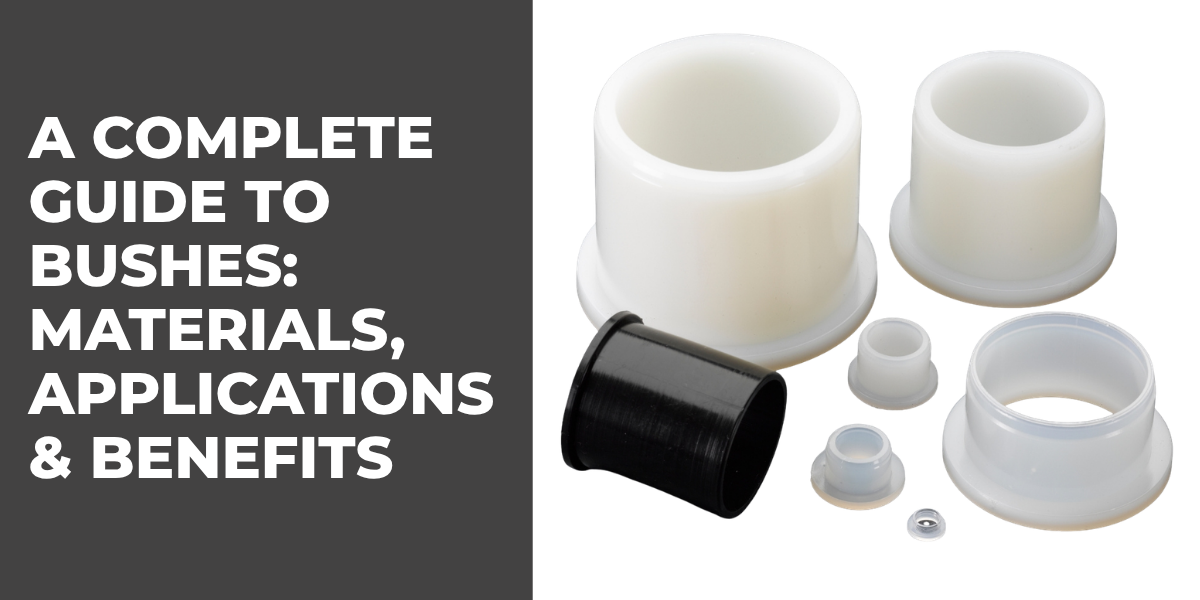
A Complete Guide to Bushes: Materials, Applications & Benefits
By Bridey
/ 13 August 2026
Bushes play an important role in mechanical assemblies, helping manufacturers manage movement, reduce friction, protect components and maintain accurate spacing....
Read More
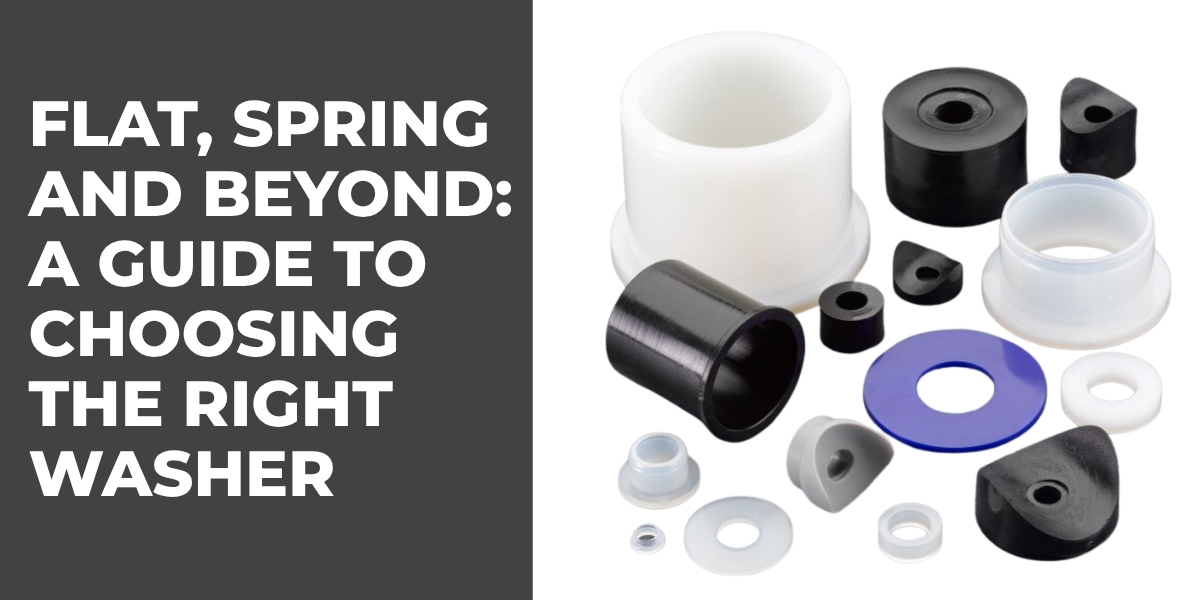
Flat, Spring and Beyond: A Guide to Choosing the Right Washer
By Bridey
/ 6 August 2026
Washers are small but essential components used in countless mechanical and industrial assemblies. While a standard flat washer may look...
Read More

The Importance of Accessibility-Compliant Cubicle Hardware
By Bridey
/ 30 July 2026
Choosing Toilet Cubicle Fittings for Accessible Commercial Washrooms Accessibility is an increasingly important consideration when designing commercial washrooms. For architects,...
Read More
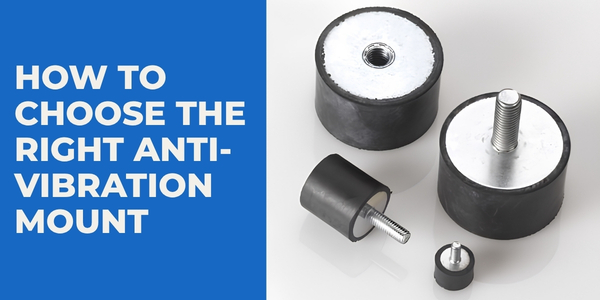
How to Choose the Right Anti-Vibration Mount
By Bridey
/ 23 July 2026
Choosing the right anti-vibration mount isn't simply a case of finding a mount that fits. The correct solution needs to...
Read More
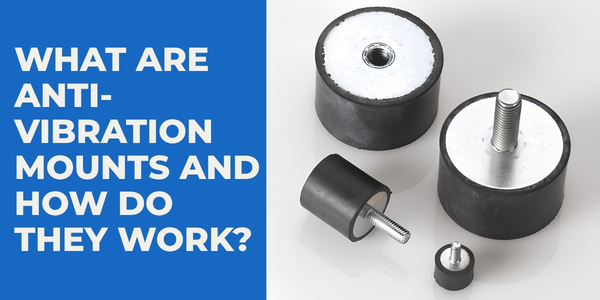
What Are Anti-Vibration Mounts and How Do They Work?
By Bridey
/ 16 July 2026
Vibration is an unavoidable part of many mechanical and industrial applications. Motors, pumps, compressors, generators and other machinery naturally move...
Read More
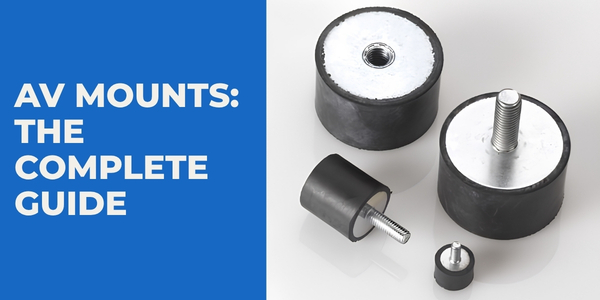
AV Mounts: The Complete Guide
By Bridey
/ 9 July 2026
Vibration can be an unavoidable part of operating machinery, equipment and mechanical systems. While some movement is perfectly normal, excessive...
Read More
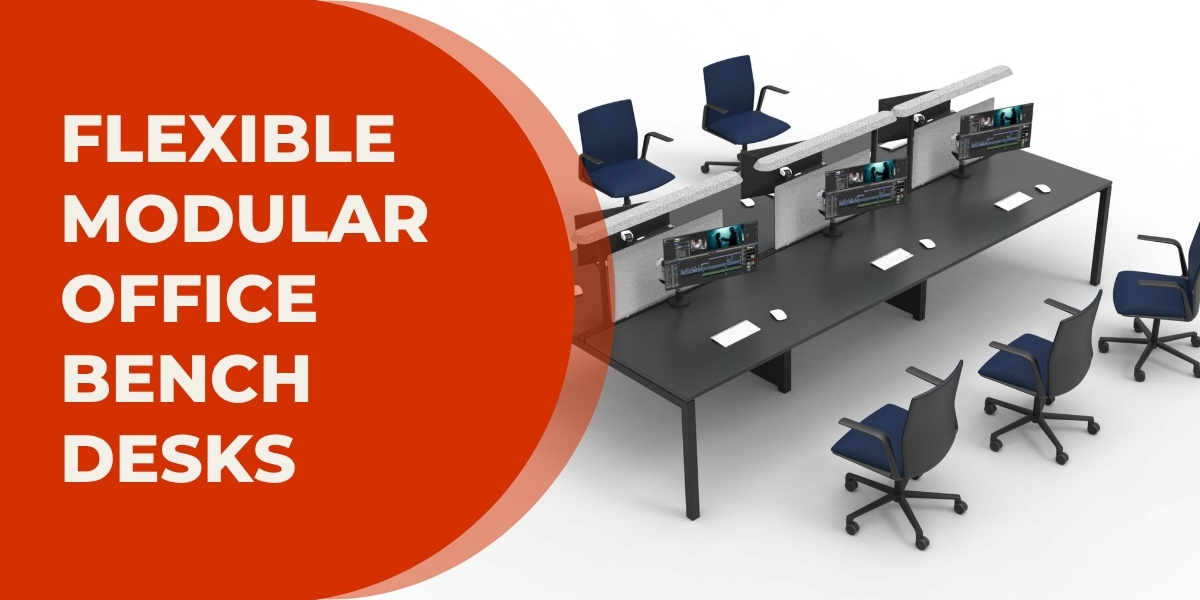
X3 Bench Desk: Flexible Modular Office Desks for Every Workspace
By bpfadmin
/ 2 July 2026
A bench desk is one of the most efficient ways to maximise office space while creating a collaborative working environment....
Read More