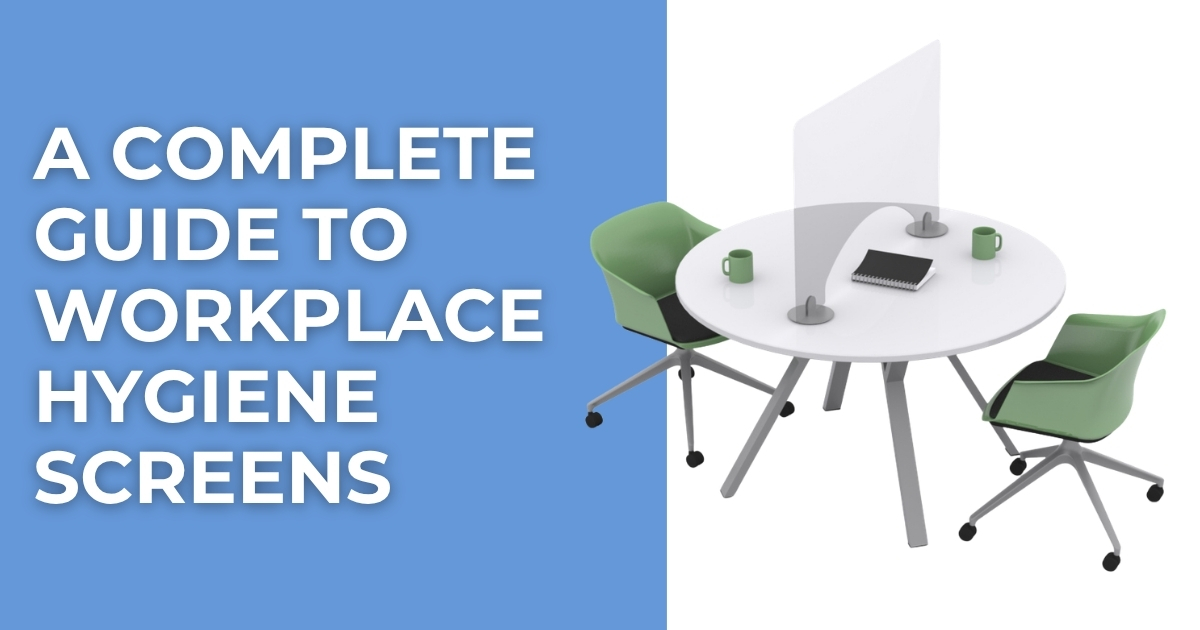
Workplace hygiene screens provide a practical way to create physical separation between people in offices, reception areas, retail environments, service...
Read More


 FREE UK carriage on orders over £250 nett
  No minimum order value
  Trade discounts
  Order FREE samples online
  Last cut off for overnight: 3pm
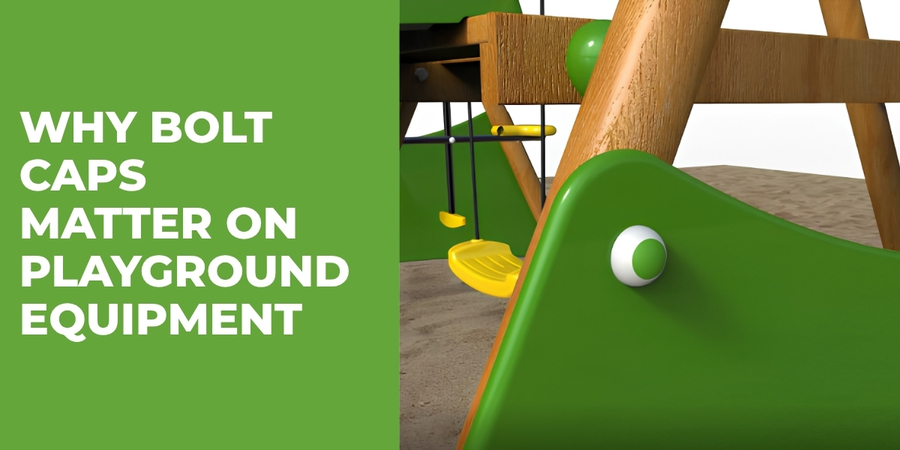
Why Bolt Caps Matter on Playground Equipment
By Bridey
/ 27 August 2026
When manufacturers and installers build playground equipment, they need to consider every component, right down to the smallest fixing. Bolts,...
Read More
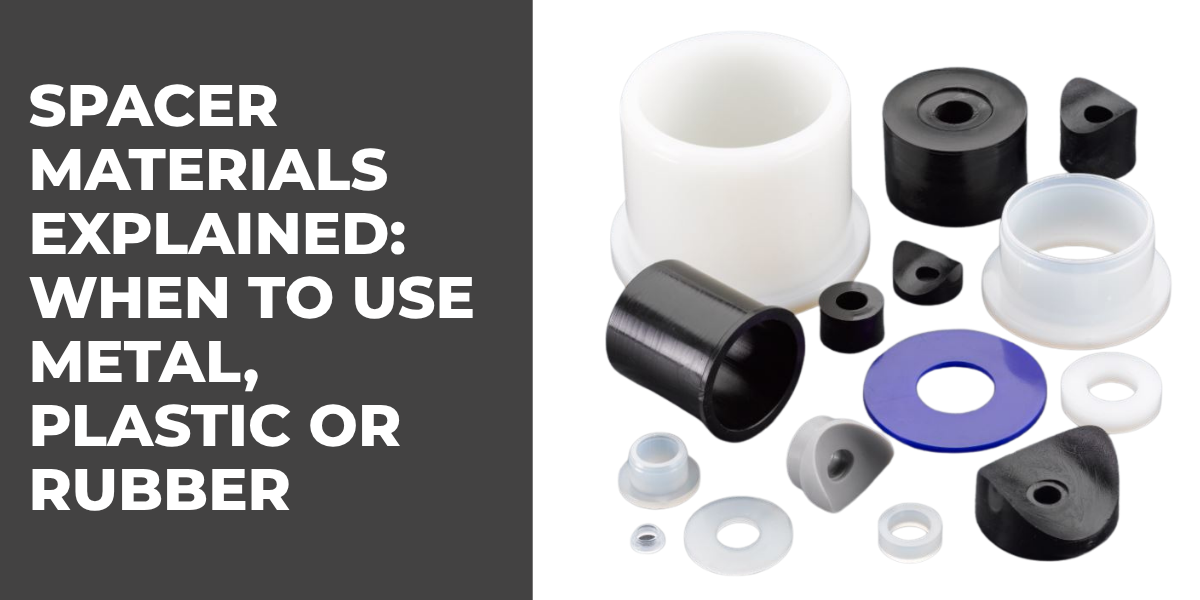
Spacer Materials Explained: When to Use Metal, Plastic or Rubber Spacers
By Bridey
/ 20 August 2026
Spacers may look like simple components, but the material you choose can greatly affect how an assembly performs. A spacer...
Read More
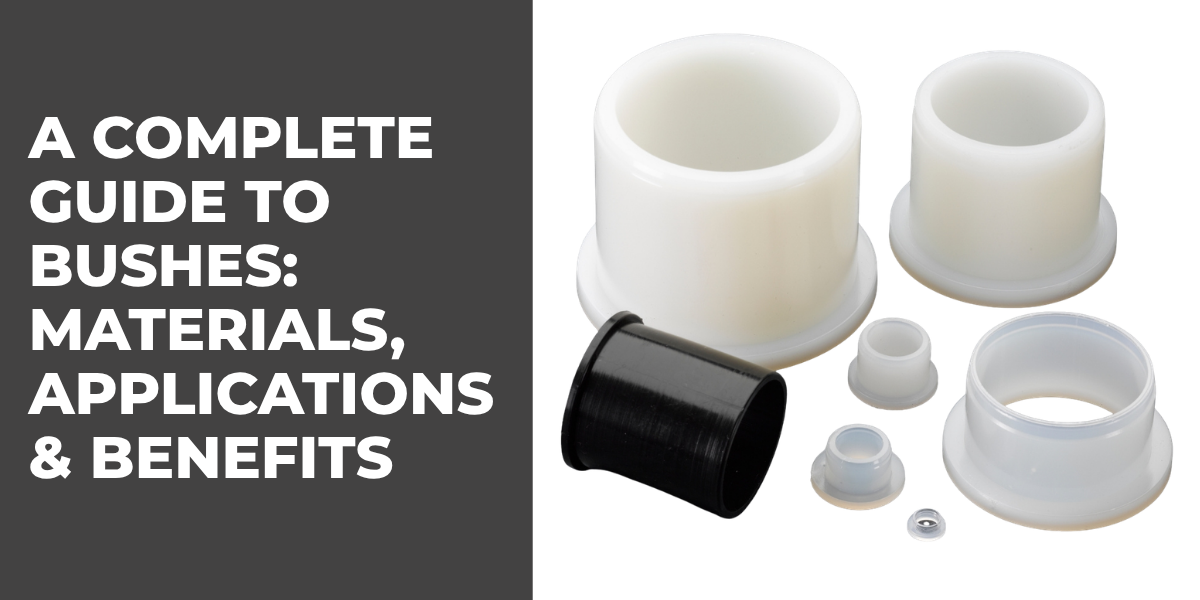
A Complete Guide to Bushes: Materials, Applications & Benefits
By Bridey
/ 13 August 2026
Bushes play an important role in mechanical assemblies, helping manufacturers manage movement, reduce friction, protect components and maintain accurate spacing....
Read More
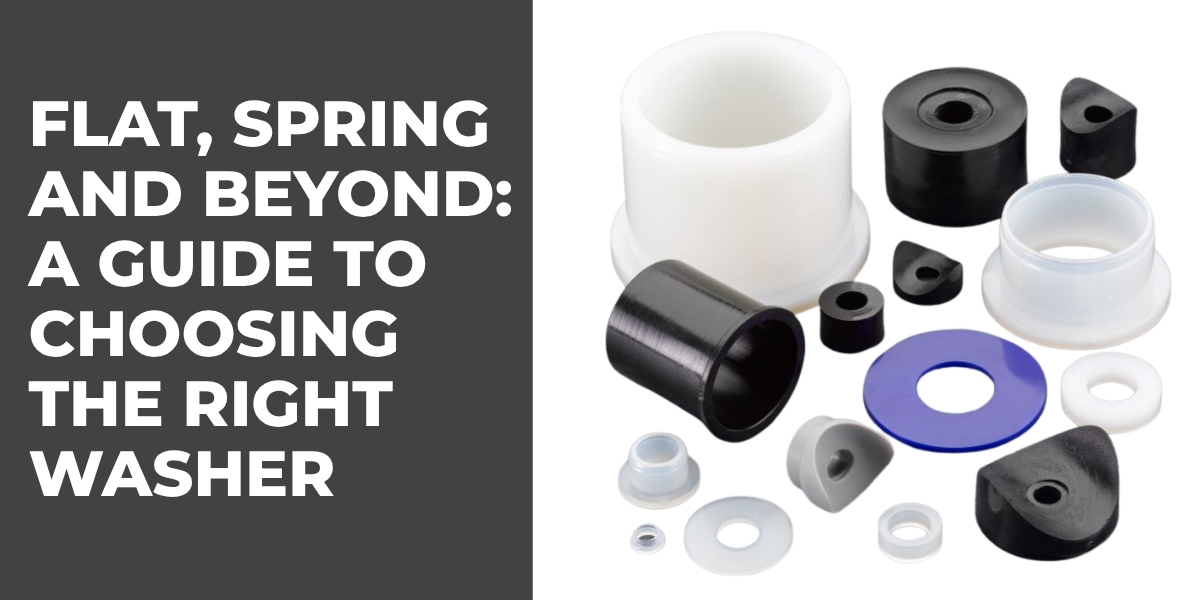
Flat, Spring and Beyond: A Guide to Choosing the Right Washer
By Bridey
/ 6 August 2026
Washers are small but essential components used in countless mechanical and industrial assemblies. While a standard flat washer may look...
Read More
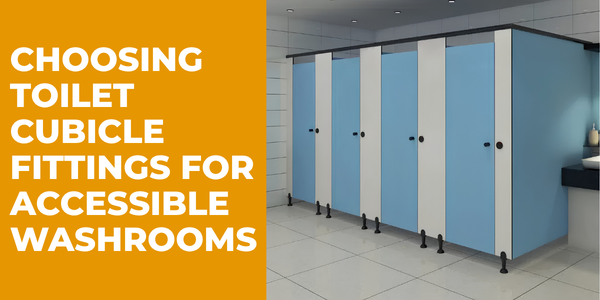
The Importance of Accessibility-Compliant Cubicle Hardware
By Bridey
/ 30 July 2026
Choosing Toilet Cubicle Fittings for Accessible Commercial Washrooms Accessibility is an increasingly important consideration when designing commercial washrooms. For architects,...
Read More
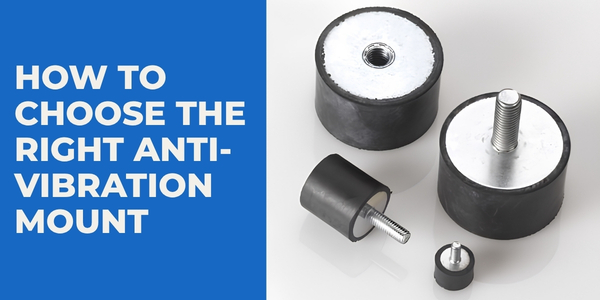
How to Choose the Right Anti-Vibration Mount
By Bridey
/ 23 July 2026
Choosing the right anti-vibration mount isn't simply a case of finding a mount that fits. The correct solution needs to...
Read More
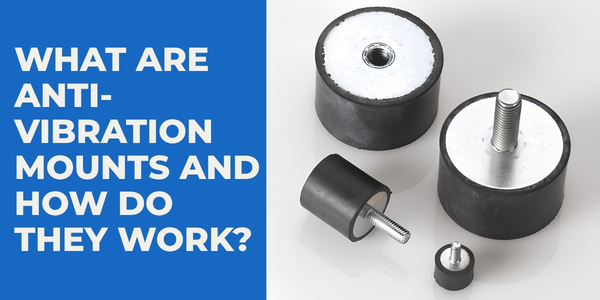
What Are Anti-Vibration Mounts and How Do They Work?
By Bridey
/ 16 July 2026
Vibration is an unavoidable part of many mechanical and industrial applications. Motors, pumps, compressors, generators and other machinery naturally move...
Read More
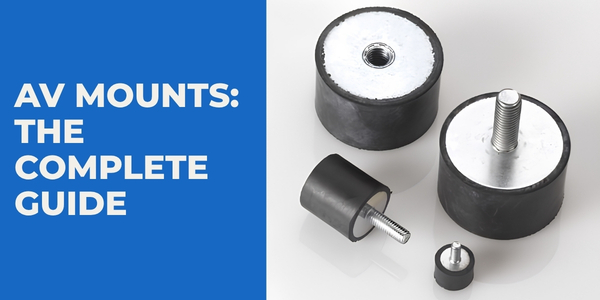
AV Mounts: The Complete Guide
By Bridey
/ 9 July 2026
Vibration can be an unavoidable part of operating machinery, equipment and mechanical systems. While some movement is perfectly normal, excessive...
Read More
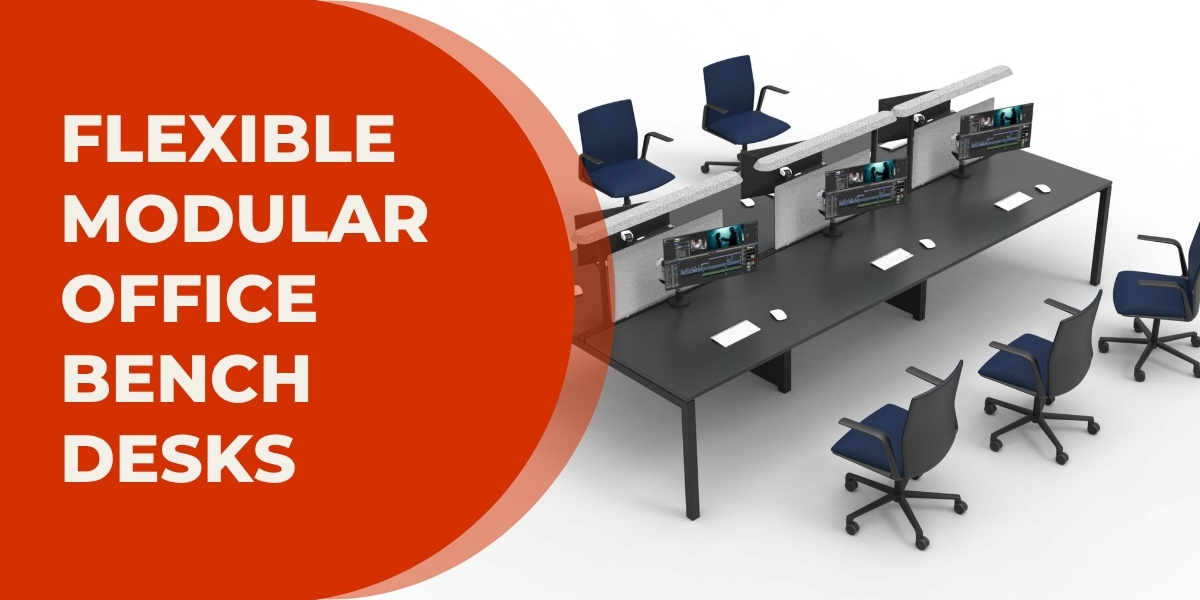
X3 Bench Desk: Flexible Modular Office Desks for Every Workspace
By bpfadmin
/ 2 July 2026
A bench desk is one of the most efficient ways to maximise office space while creating a collaborative working environment....
Read More

Here at BPF, we offer range of screen brackets which have multiple fitting options (available HERE). All of these brackets are quick and easy to install, and offer support to a range of desk mounted privacy screens! However, one thing we get asked is “how do you fit a screen bracket”?
In this short guide, we’ll explain how to mount both a ‘Surface Mount Screen Bracket’ and an ‘Edge Mount Screen Bracket’.
Both of these screen brackets are made from light, durable Aluminium and compatible with privacy screens of thickness between 7-16mm. Additionally, they are also compatible with desk top of thickness 20-26mm; including the most popular 25mm MFC desktops commonly found in contemporary offices across the UK.
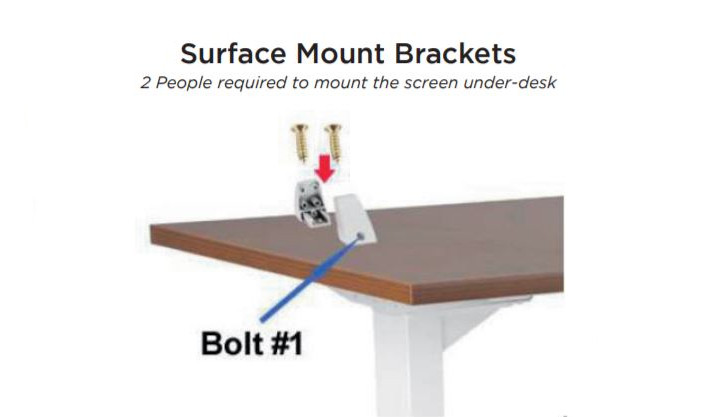
Surface Mount Bracket
These Metal Brackets are designed to clamp onto the backs of desks to give support to desk-mount screens. Subsequently, they are made from a strong construction and are powder coated to achieve a consistent quality finish.

How to Mount
- Position the brackets on/under where you want the screen to be mounted, then undo “Bolt #1” shown above.
- Fix half the brackets to the desk top (on or under) with the included self-taping screws, then reattach the other half with “Bolt #1”.
- Insert the privacy screen into the mounting brackets.
- Tighten the “Bolt #1” to firmly grip the screen.
Edge Mount Bracket
These Metal Brackets have been designed to clamp onto the backs of desks to give support to desk-mount screens. They are made from a strong construction and are powder coated to achieve a consistent quality finish.

- Push the two brackets over the edge where the screen is to be mounted, as shown above
- Tighten both brackets from underneath with the supplied bolts.
- Insert the privacy screen into the mounting brackets, loosen “Bolt #1” (shown above) if necessary. 4. Tighten the “Bolt #1” to firmly grip the screen.
- *For desktops with thickness of 25mm or less, only

Want to know more?
For more information and prices on the Surface Mount Bracket, click HERE. And for the Edge Mount Bracket, click HERE .
Alternatively, to view these and all of the other screen brackets we offer, click HERE.
Do you have any questions?
If you have any questions or simply want to know more, get in touch today via our CONTACT US page; either over the phone or our live chat service!