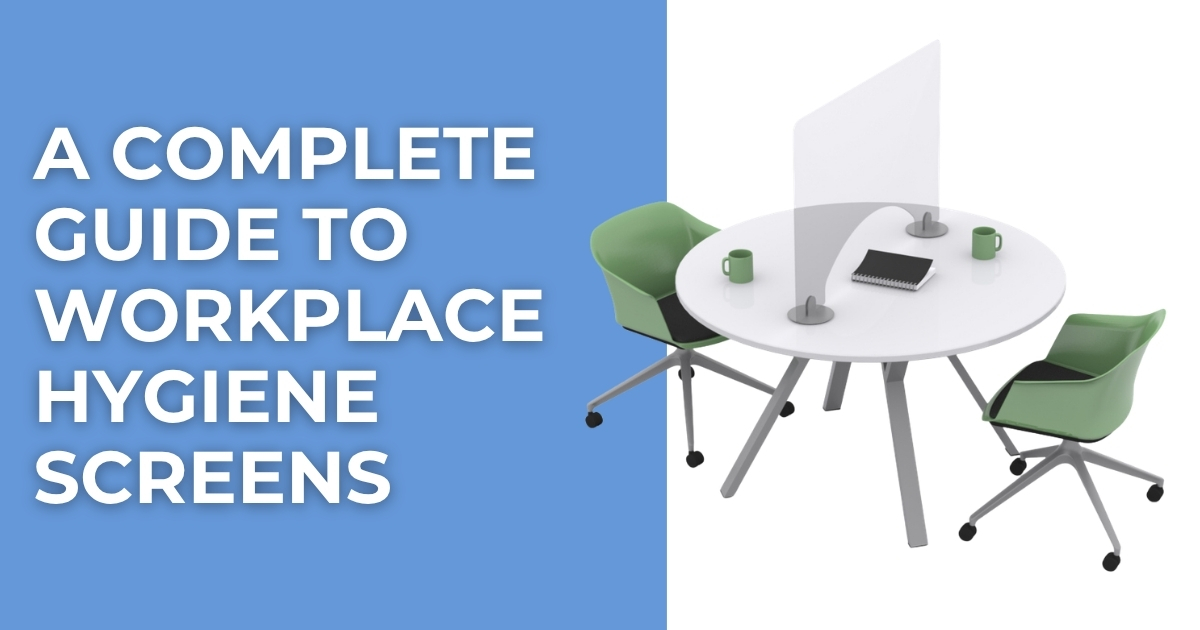
Workplace hygiene screens provide a practical way to create physical separation between people in offices, reception areas, retail environments, service...
Read More


 FREE UK carriage on orders over £250 nett
  No minimum order value
  Trade discounts
  Order FREE samples online
  Last cut off for overnight: 3pm
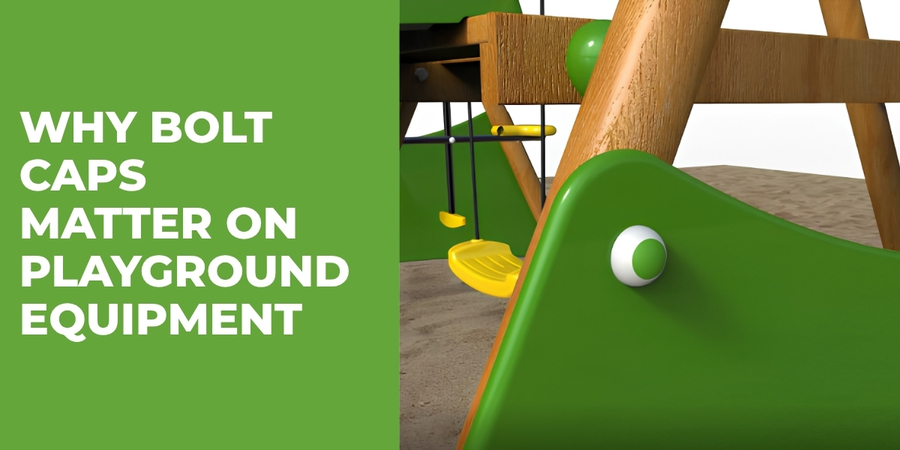
Why Bolt Caps Matter on Playground Equipment
By Bridey
/ 27 August 2026
When manufacturers and installers build playground equipment, they need to consider every component, right down to the smallest fixing. Bolts,...
Read More
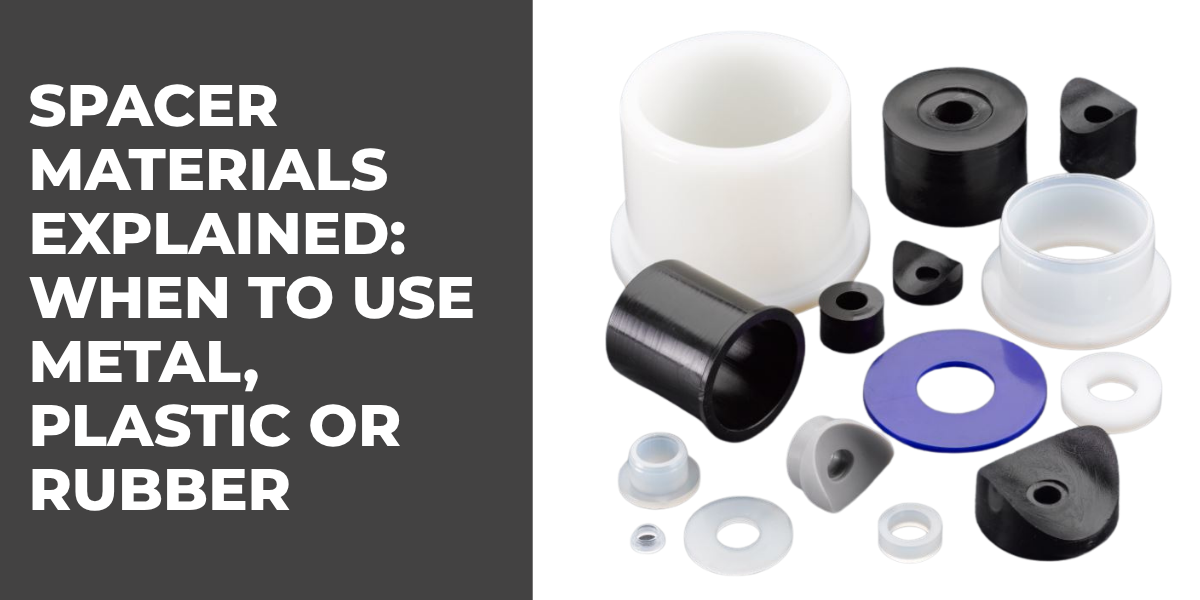
Spacer Materials Explained: When to Use Metal, Plastic or Rubber Spacers
By Bridey
/ 20 August 2026
Spacers may look like simple components, but the material you choose can greatly affect how an assembly performs. A spacer...
Read More
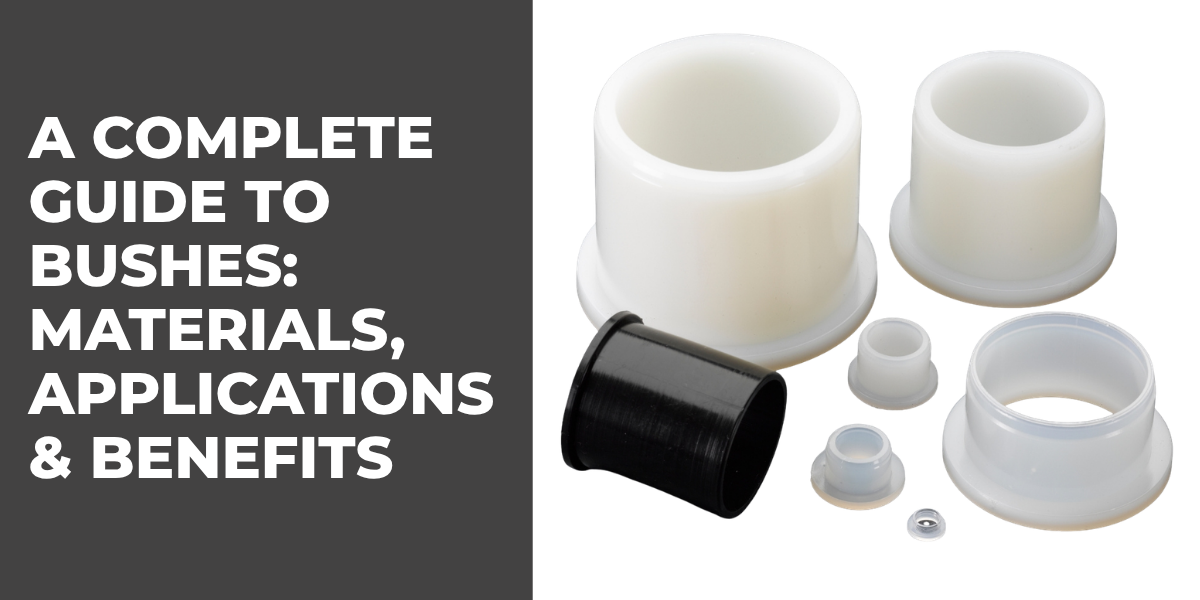
A Complete Guide to Bushes: Materials, Applications & Benefits
By Bridey
/ 13 August 2026
Bushes play an important role in mechanical assemblies, helping manufacturers manage movement, reduce friction, protect components and maintain accurate spacing....
Read More
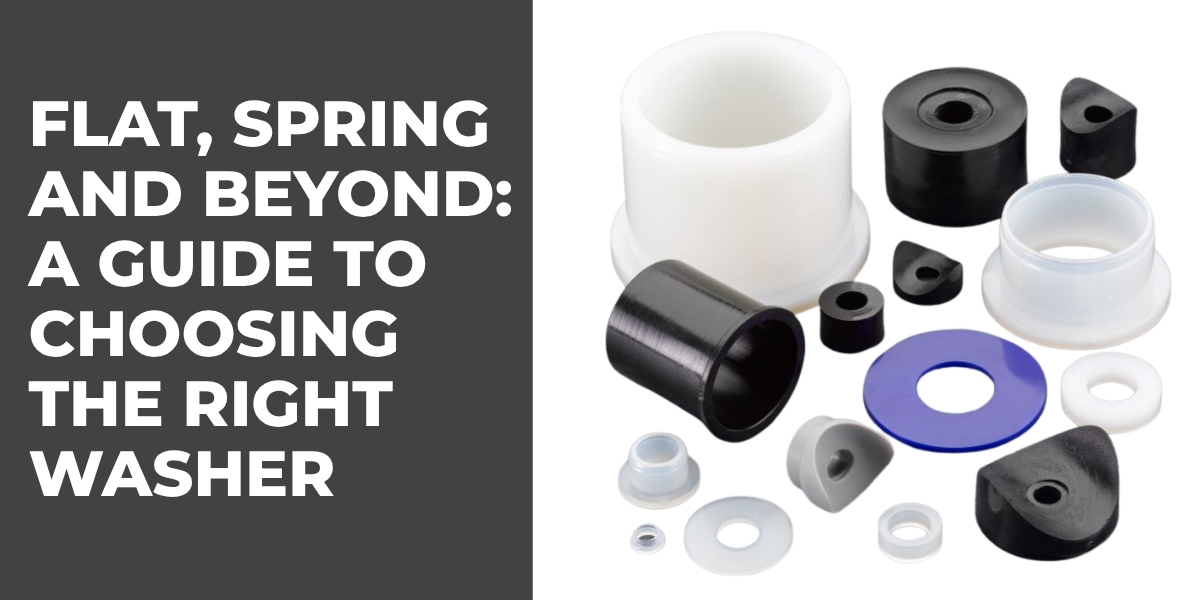
Flat, Spring and Beyond: A Guide to Choosing the Right Washer
By Bridey
/ 6 August 2026
Washers are small but essential components used in countless mechanical and industrial assemblies. While a standard flat washer may look...
Read More
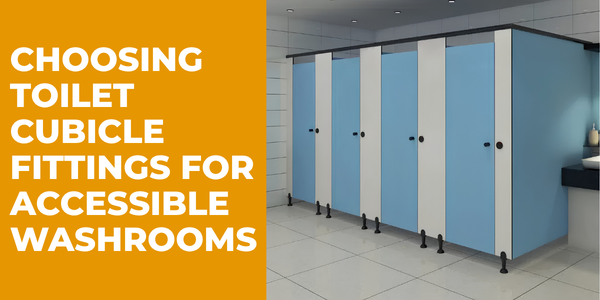
The Importance of Accessibility-Compliant Cubicle Hardware
By Bridey
/ 30 July 2026
Choosing Toilet Cubicle Fittings for Accessible Commercial Washrooms Accessibility is an increasingly important consideration when designing commercial washrooms. For architects,...
Read More
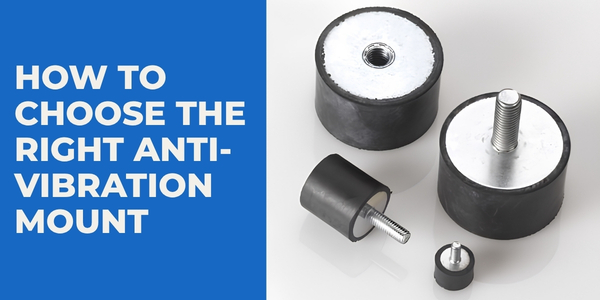
How to Choose the Right Anti-Vibration Mount
By Bridey
/ 23 July 2026
Choosing the right anti-vibration mount isn't simply a case of finding a mount that fits. The correct solution needs to...
Read More
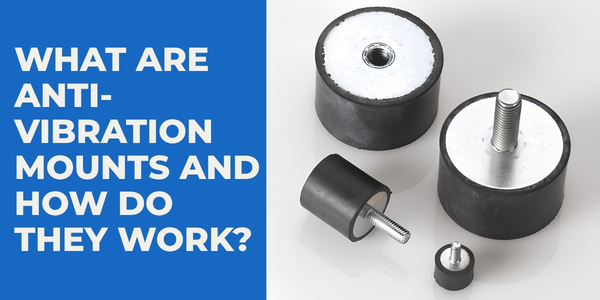
What Are Anti-Vibration Mounts and How Do They Work?
By Bridey
/ 16 July 2026
Vibration is an unavoidable part of many mechanical and industrial applications. Motors, pumps, compressors, generators and other machinery naturally move...
Read More
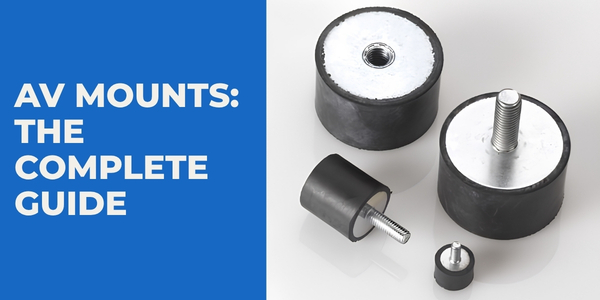
AV Mounts: The Complete Guide
By Bridey
/ 9 July 2026
Vibration can be an unavoidable part of operating machinery, equipment and mechanical systems. While some movement is perfectly normal, excessive...
Read More
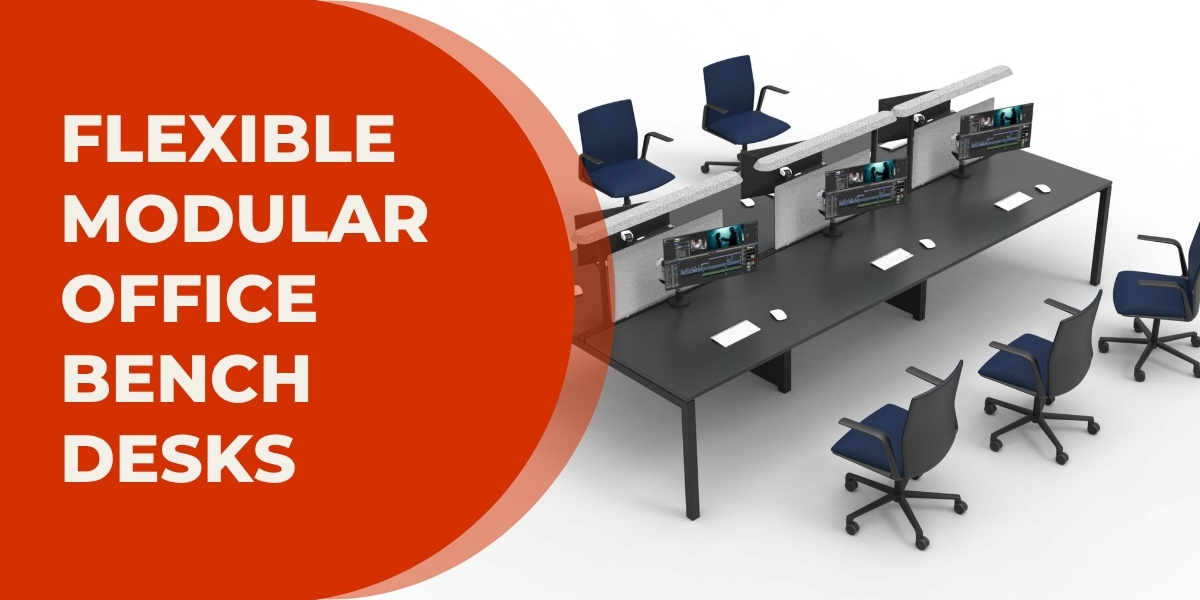
X3 Bench Desk: Flexible Modular Office Desks for Every Workspace
By bpfadmin
/ 2 July 2026
A bench desk is one of the most efficient ways to maximise office space while creating a collaborative working environment....
Read More

Monitor arms and tablet mounts are increasing in popularity as employers realised the detrimental effect on efficiency that eyestrain can have.
Eyestrain cases are increasing as we rely more and more on screens. Screens are integral in everything these days – work, entertainment, even looking at photos and checking our bank balance. However, the lion’s share of screen time for most is clocked up whilst at work.
Constantly looking at screens and forgetting to blink means that eye strain is becoming increasingly commonplace. Eye strain at the office isn’t just uncomfortable, it can also reduce an employee’s productivity and happiness while at work. Eye discomfort, Headaches, Sore, tired, burning or itchy eyes and difficulty focusing are all symptoms that your employees could be suffering from eye strain. More extreme symptoms include watery eyes, dry eyes, blurred or double vision and even increased sensitivity to light. Not much fun.
What causes eye strain
Eye strain is typically caused by incorrect lighting, reflection and too much glare. It can occur when spending too much time in front of a screen when the muscle responsible for focusing the eye becomes fatigued.
However there are things you can do to reduce eye strain.
- Get the screen position right.
Position your computer screen 20- 24 inches from your eyes with the centre of the screen 10-15 degrees below your eye line.
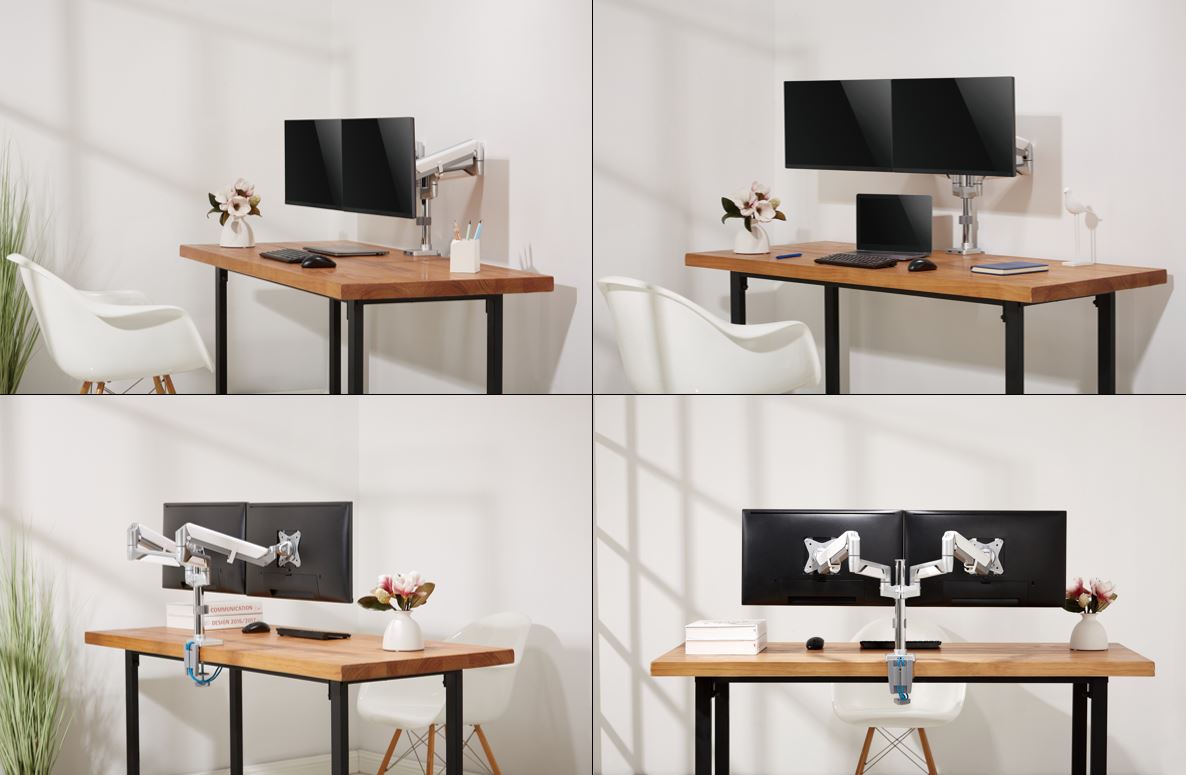
Getting your monitor to the right position can be difficult. You can use boxes to elevate screens, however these can steal away too much desk space to be practical. A much more efficient solution is the use of monitor arms.
Monitor arms can be useful to achieve the right height, without robbing the user of desk space. Some arms, like our G70-series monitor arm, offer complete versatility of screen positioning so a screen can easily be positioned and repositioned for whoever is using the desk. For users who prefer two screens or those that need to reference additional information, a dual monitor mount is available that clamps to the table, or if you prefer, there are some dual monitor mounts which use an existing 10mm grommet hole in a desk.
- Get a blind or curtain to reduce the light coming in through the window.
Anti-glare blinds control the amount of light that comes in through a window. Different types of fabric will allow different light levels through and into the room.
- Adjust the settings on your screen to reduce the glare from your screen.
By reducing the light levels of the screen you should be able to control the amount of glare it gives off. However, if reducing the light levels on your screen doesn’t give you sufficient control, use an anti-glare screen or a coloured screen overlay to reduce the glare you’re your screen.
- Encourage your employees to give their eyes a break.
Opticians recommend computer users take a break every 20 minutes to focus on a distant object on the other side of the room for at least 20 seconds. This relaxes the muscle responsible for focusing the eye. Making this a regular habit should help to reduce eye fatigue and irritation.
If you have any questions about how we can help you keep your workforce happy and healthy and reduce eyestrain, our friendly advisors will be able to help you. You can chat with a BPF Online product advisor through our website.